Math Ninja: Addition & Subtraction – Unity Source Code
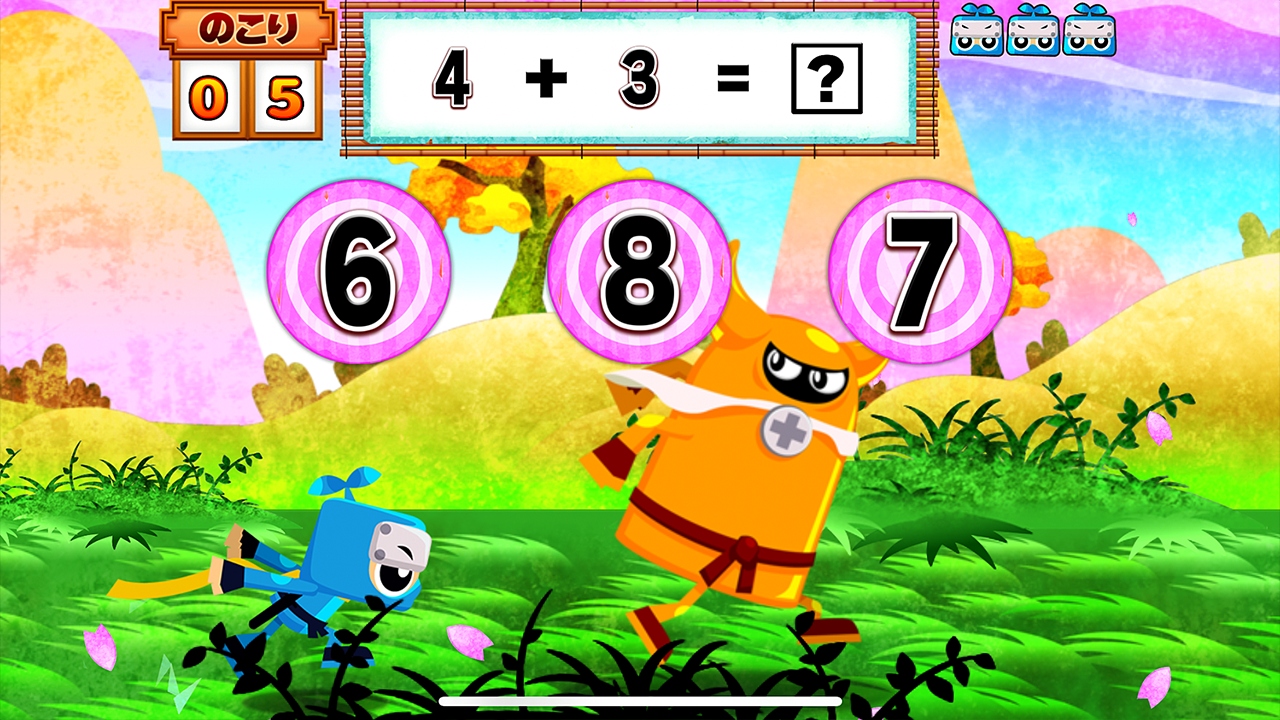
Math Ninja: Addition & Subtraction is an educational and casual Unity game source code built for Android using Unity 2018.4. With engaging ninja-style math mechanics centered on addition and subtraction, this project is ideal for developers targeting the kids learning and educational game market.
Designed with clean architecture and beginner-friendly C# scripts, the package enables effortless reskinning, rapid customization, and a fast publishing workflow that helps you launch your game on Google Play with minimal effort.
Whether you’re an independent developer or a small studio, Math Ninja provides a fast path to enter the educational games category with a high-quality, monetization-ready experience.
- Full Unity 2018.4 project, ready to customize
- Fun math mechanics for kids (addition & subtraction)
- Easy reskin and artwork replacement system
- Clean and maintainable C# codebase
- Optimized for Android publishing and quick deployment
📌 Key Features
| 🥷 Ninja-Style Math Gameplay | Highly engaging visuals with math challenges suitable for kids and family audiences. |
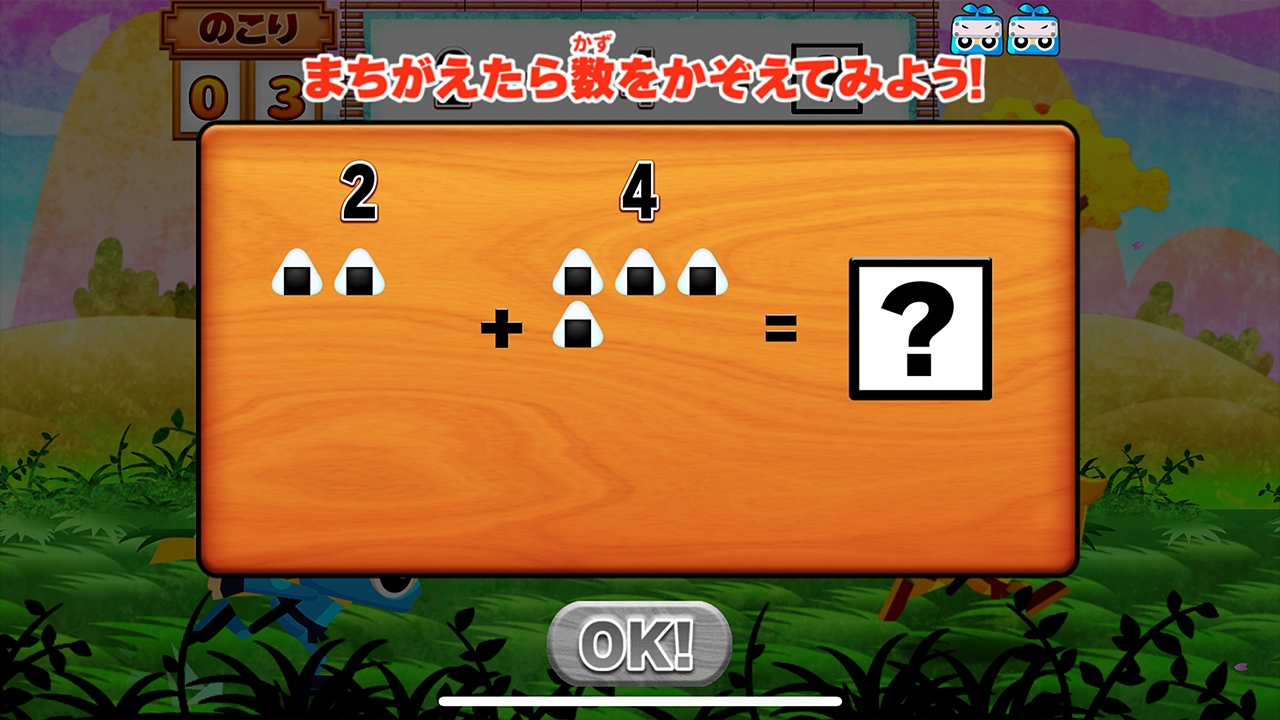
| 🧮 Educational Content | Designed to help players improve basic math skills through interactive play. |
| 🎨 Fully Customizable | Replace UI, artwork, sounds, and game logic components with ease. |
| 🚀 Fast Publish Workflow | Ready for Android builds and quick submission to the Google Play Store. |
📂 Package Includes
- Unity 2018.4 full project files
- All art assets (UI, sprites, icons)
- Audio assets and sound effects
- Clean and documented C# scripts
- Ready-to-reskin game scenes
- Android build configuration
- Basic setup and publishing guide
🛠 Requirements
| Unity Version | Unity 2018.4 (LTS) |
| Target Platform | Android (Google Play compatible) |
| Operating System | Windows or macOS |
| Development Skill | Basic Unity and C# scripting understanding recommended |
📘 Instructions
❓ FAQ
Is this source code beginner-friendly?
Yes, the scripts are clear and documented for developers with basic Unity knowledge.
Can this game be reskinned easily?
Absolutely. It is structured so visuals and UI elements can be replaced without touching gameplay code.
Is this game educational?
Yes, it focuses on basic math (addition and subtraction) in a fun and interactive way.
Is it ready for Google Play?
Yes. The project is optimized for Android builds and Android App Bundle (AAB) publishing.
📞 Support
For setup guidance, customization help, or publishing questions, reach out to our support team:
Email: getunitycodes@gmail.com